The editor
Add-on preferences
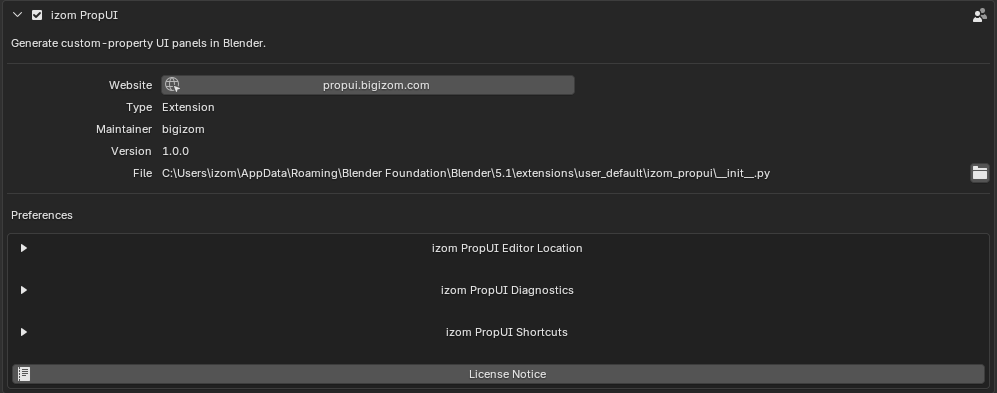
izom PropUI's preferences live in Blender's add-on preferences, grouped into Editor Location, Diagnostics, and Shortcuts, with a License Notice button.
Editor Location
Controls where the PropUI editor appears. This has its own walkthrough:
Diagnostics
- Show Diagnostics: expand/collapse the diagnostics preferences.
- Verbose Console Diagnostics: print debug-level diagnostics and tracebacks to Blender's system console.

See the cleanup & diagnostics page for the in-editor diagnostics tools.
Shortcuts
- Show Shortcuts: expand/collapse shortcut preferences.
- Disable Keyboard Shortcuts: turns off all PropUI keyboard shortcuts at once and hides the shortcut-target controls in the editor.
- Each shortcut is listed using Blender's keymap UI, so you can rebind it or disable a single shortcut (untick it) without affecting the others.
Full binding list and behavior: Keyboard shortcuts.
License
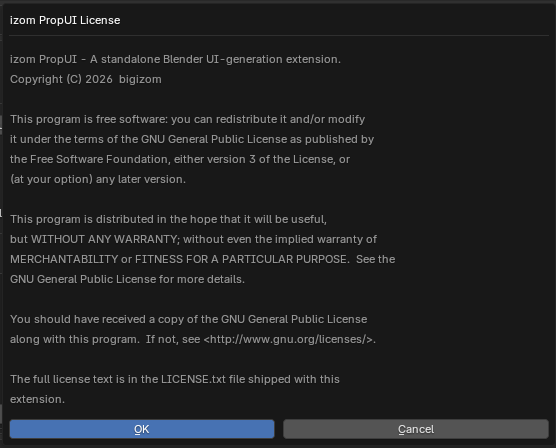
- License Notice: shows the GPL notice shipped with the extension. PropUI is licensed GPL-3.0-or-later.